Apple TV · iPhone · iPad · Jellyfin

Personal media,
Beautifully calm.

From the big screen to the screen in your hands. Cinema brings a calm, considered home to your personal Jellyfin library.

Available now on the Apple TV App Store

Coming soon to iPhone and iPad.

Meet Cinema for iPhone & iPad

Introducing Cinema for iOS & iPadOS

A little more personal.
A little more portable.

Coming soon

The Cinema experience you know, made for iPhone and iPad — with offline downloads, plus profile selection and automatic intro skipping, also coming soon to Cinema for Apple TV.
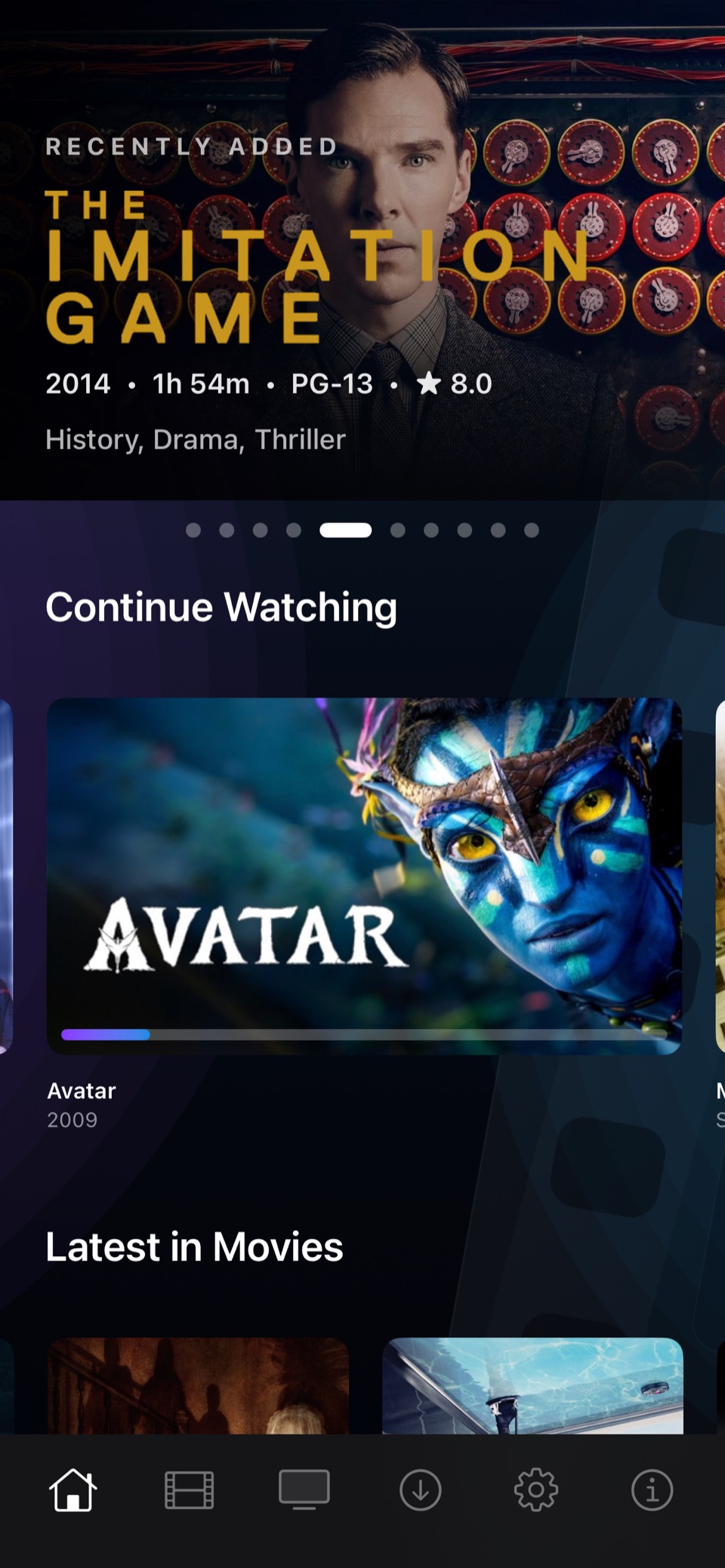
Cinema for iPhoneiOS · Your library, close at hand.
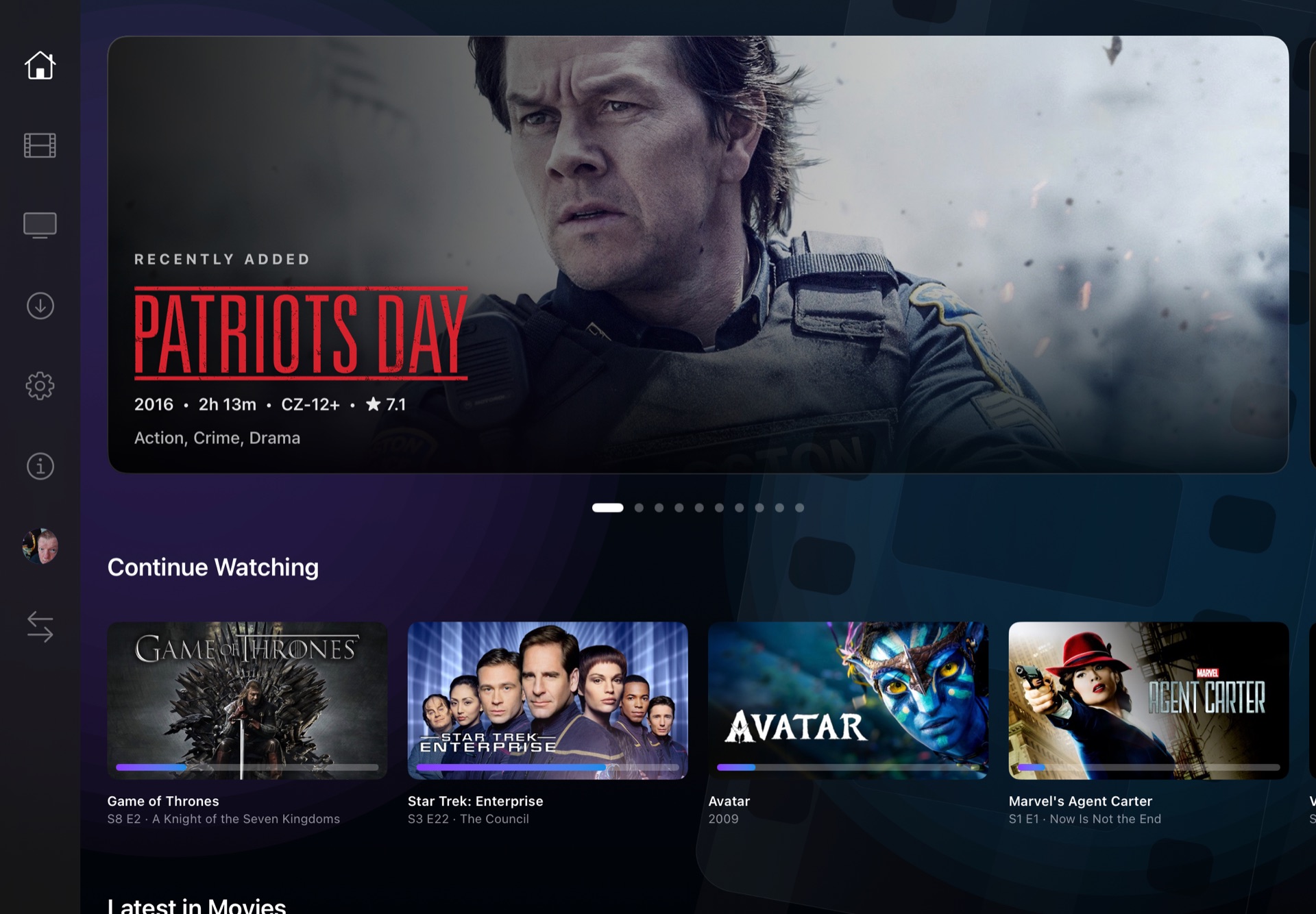
Cinema for iPadiPadOS · Room for the bigger picture.

Take movie night with you

Download a movie or episode for offline playback on iPhone and iPad. Before downloading, the video is transcoded into a format suited to your device, reducing the file size for the journey.

Who's watching?

Choose your profile from a familiar profile selection screen and settle into your own viewing experience. Included in the upcoming mobile app, and coming soon to Cinema for Apple TV.

Straight to the story

Turn on automatic intro skipping in the app's settings and let Cinema skip the opening for you. Included in the upcoming mobile app, and coming soon to Cinema for Apple TV.

Requires Intro Skipper on your Jellyfin server.

Requires your own Jellyfin server. Select a screenshot for a closer look.
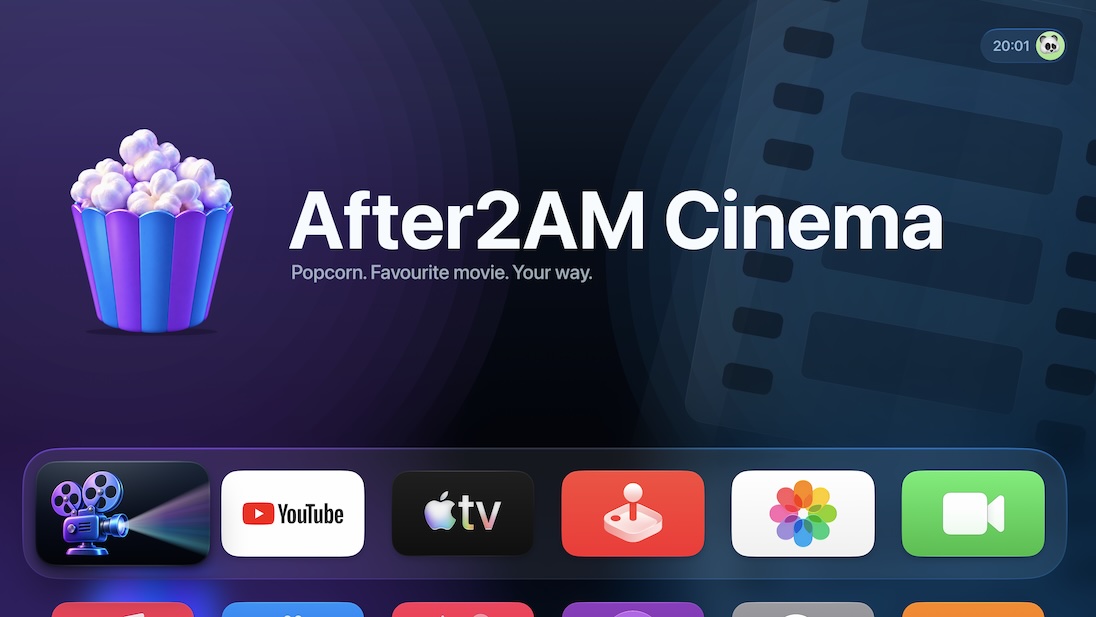
Cinema for Apple TV · Available now

Made for the
best seat in the house.

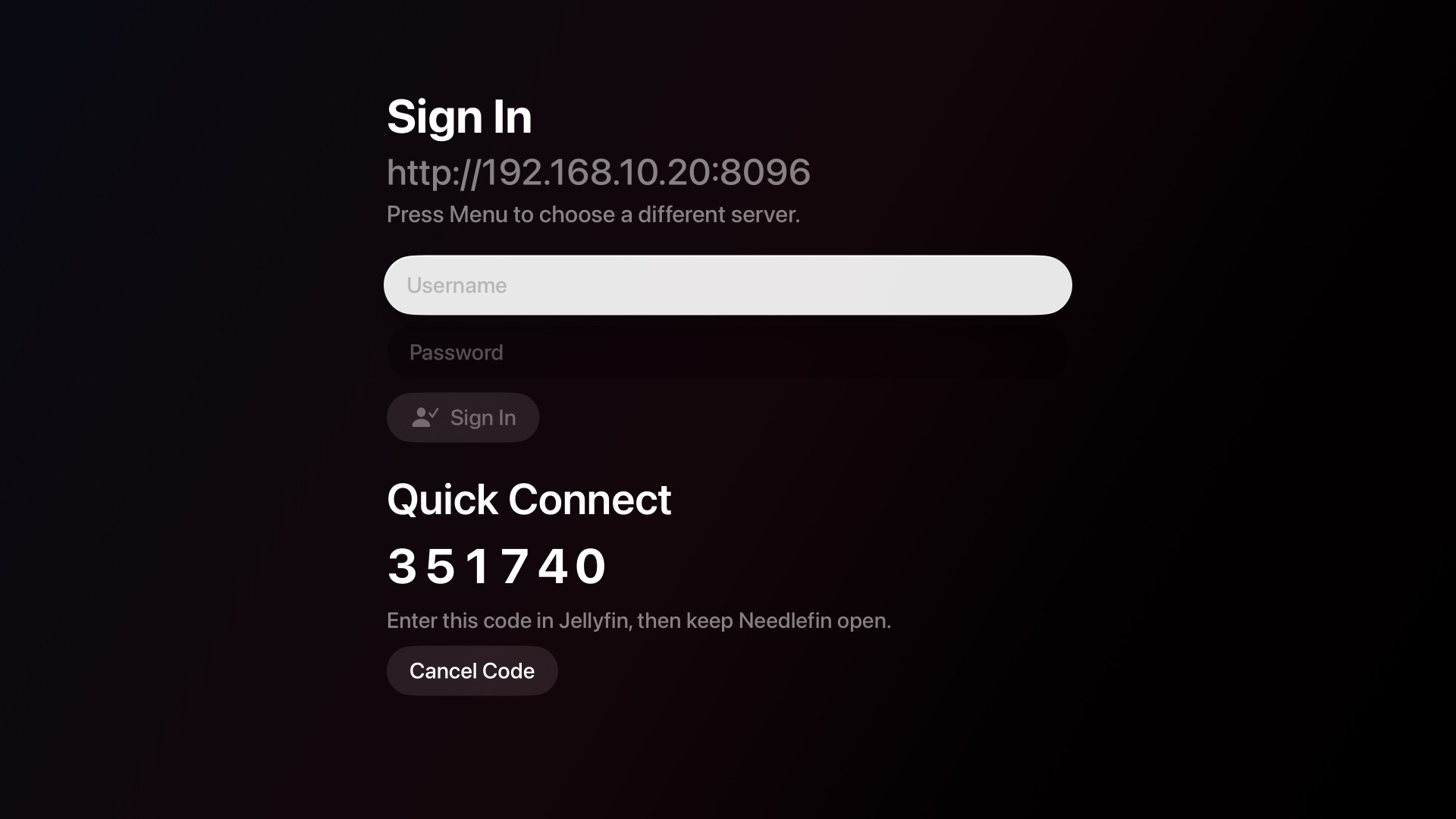
A couch-first, native tvOS experience. Cinema-quality browsing, direct play, and your entire library — always ready.

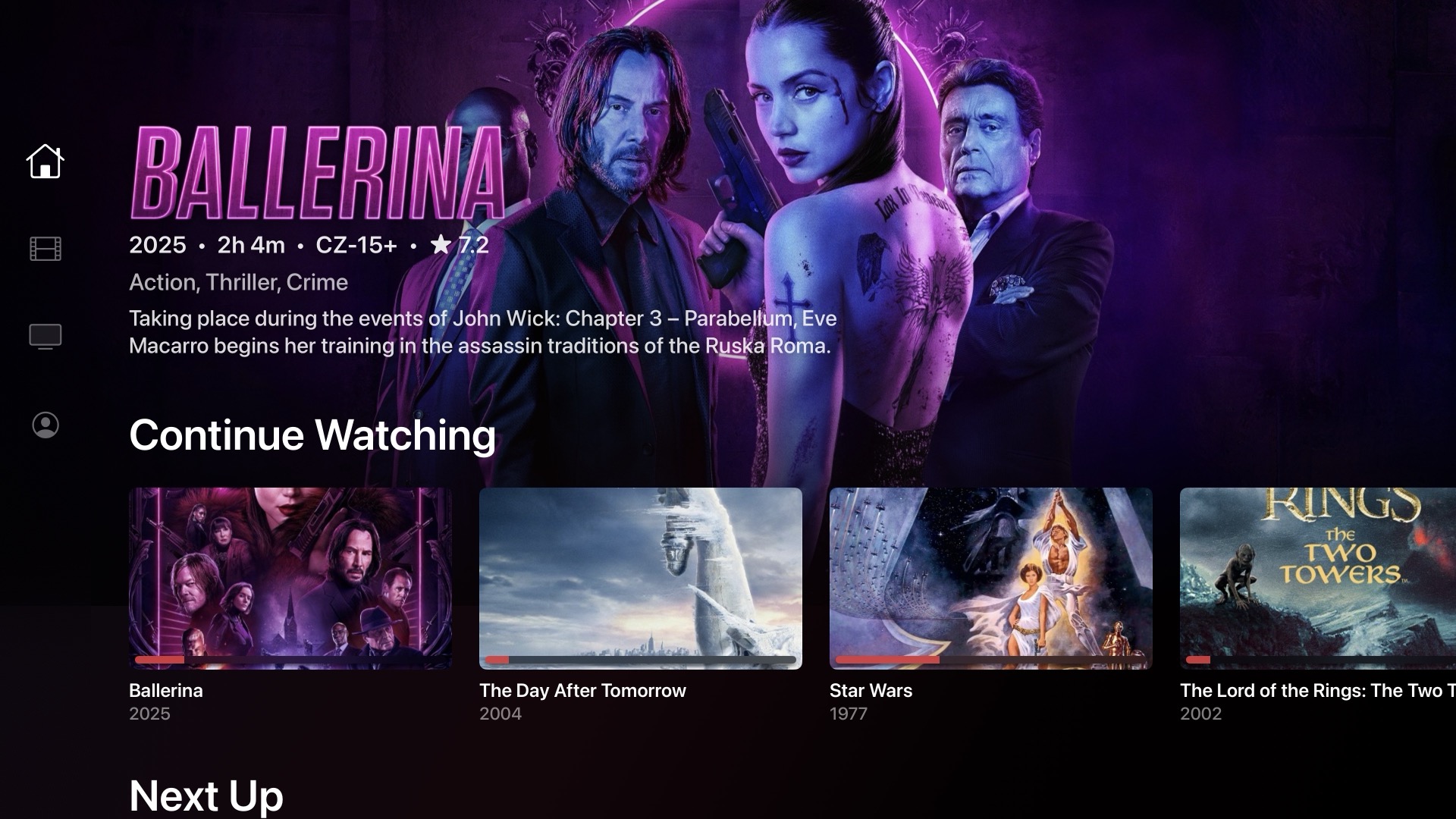
After2AM Cinema featured on the Apple TV home screen with its cinematic top shelf artwork

Hero-driven browsing

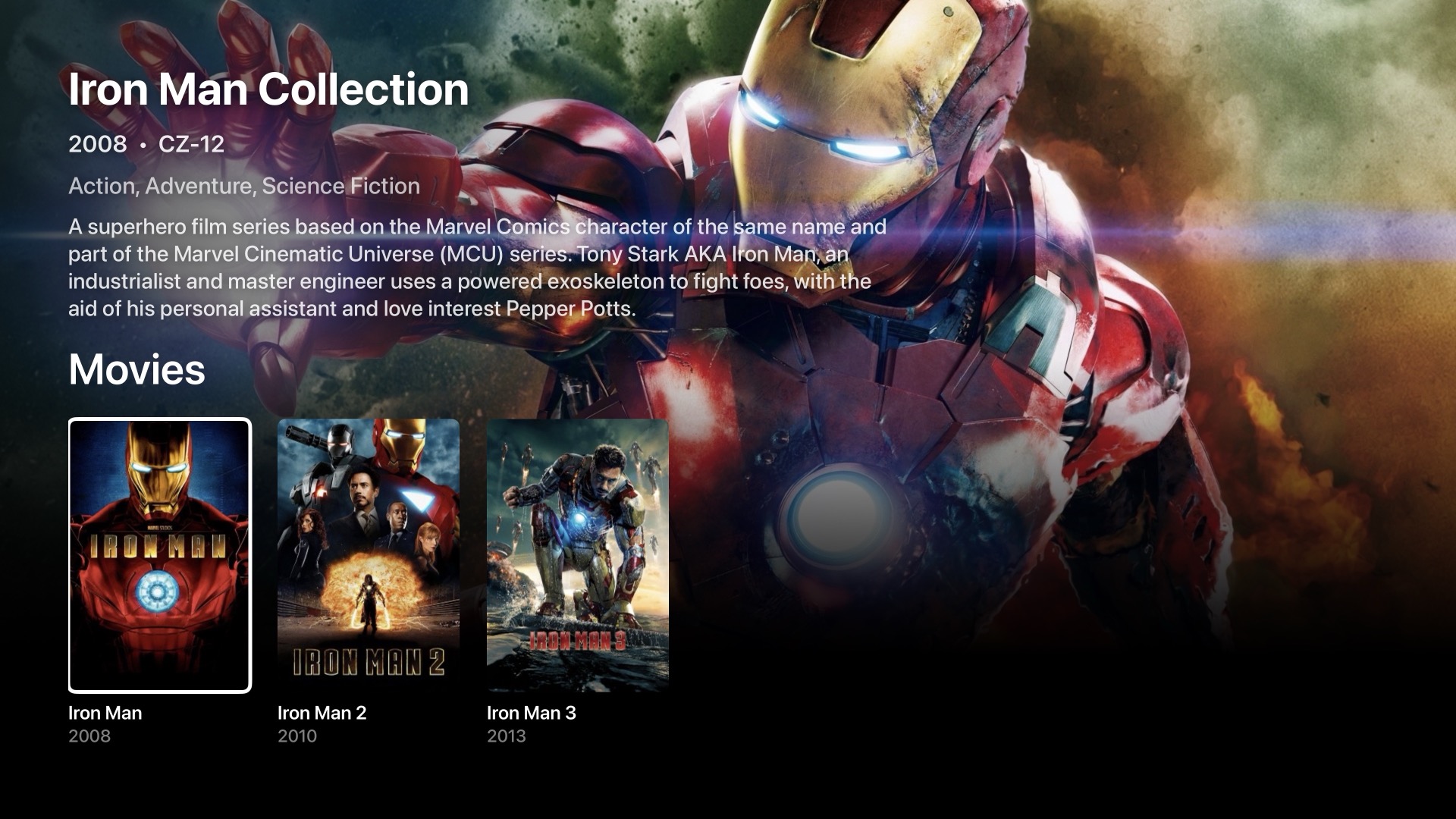
A full-bleed backdrop tracks your focused tile — title, year, rating, genres, and synopsis always visible, never a modal.

Direct play, with an escape hatch

H.264, HEVC, AC3, E-AC3, and multichannel Dolby play natively. If audio drops out with HomePods in your Apple TV audio setup, enable HLS Override in the transport bar.

Picks up where you left off

Resume, Continue Watching, Up Next — synced with your Jellyfin server. Auto-advances through episodes until the end of a season.

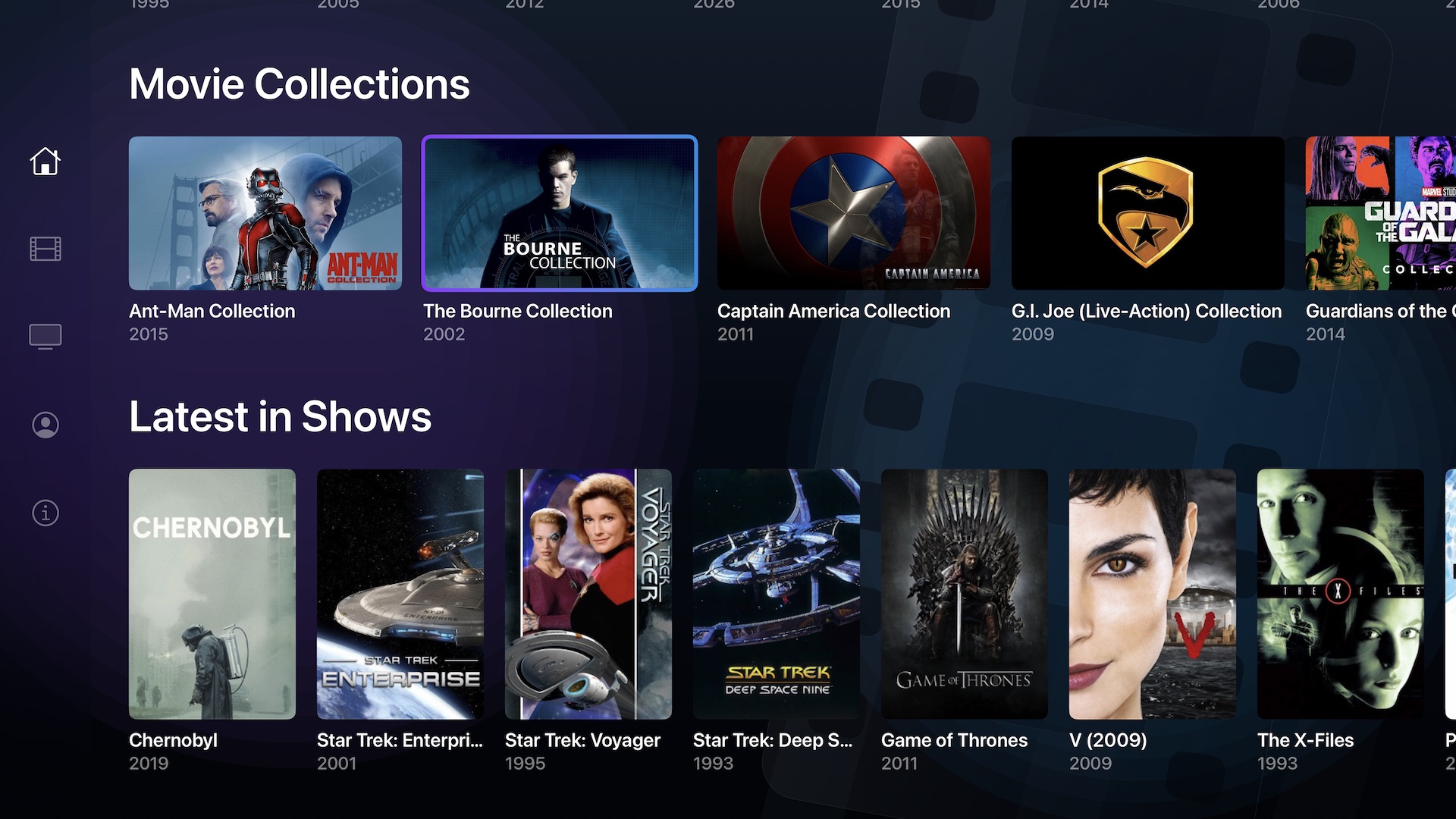
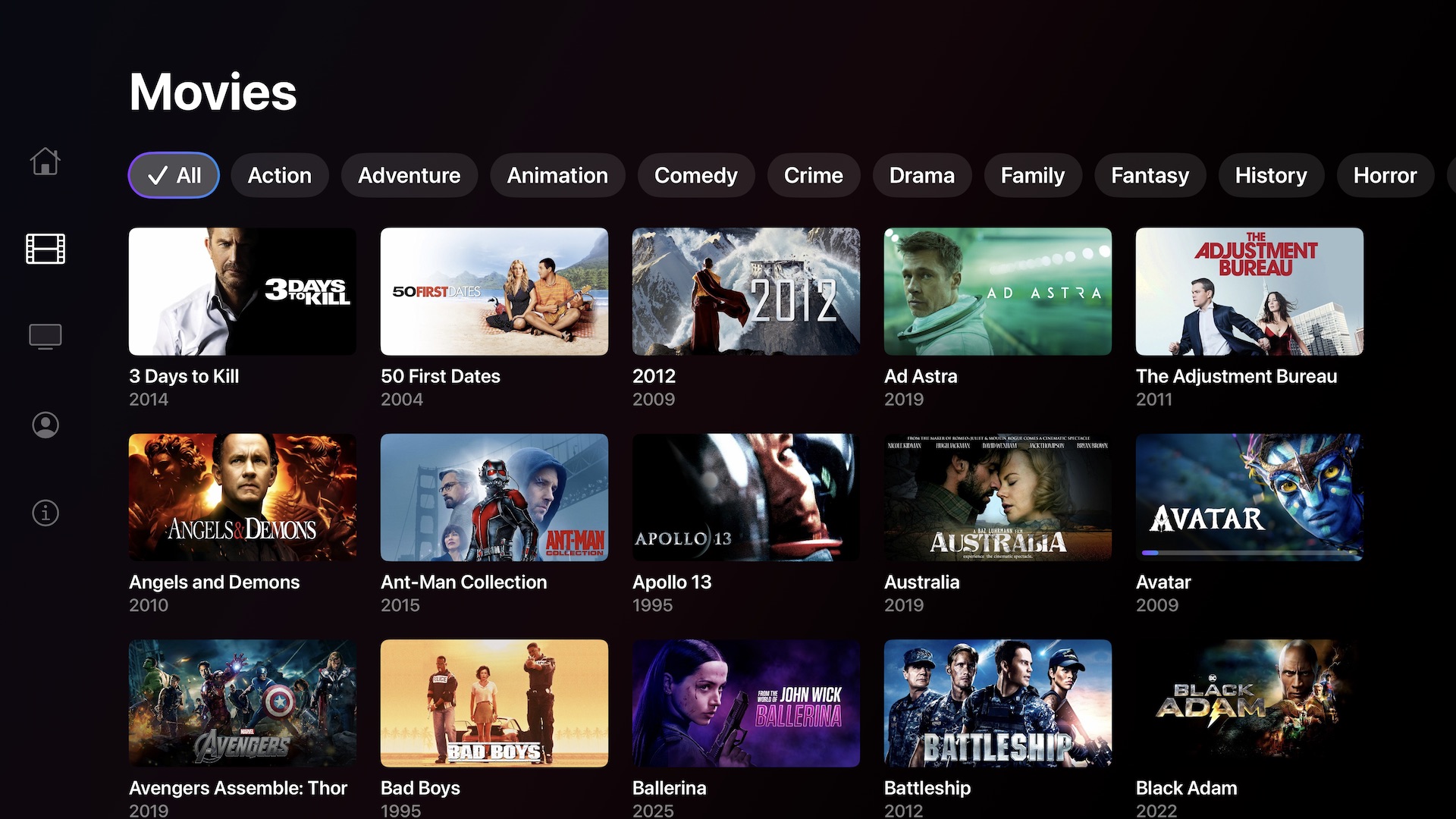
Your library, instantly

Movies, shows, and artwork are cached on your Apple TV, so the app opens quickly and browsing stays smooth while your library refreshes in the background.

Native player, real audio controls

Apple’s native player brings familiar playback controls, audio tracks, and subtitles. Cinema Audio adds its own listening presets for HLS playback on tvOS 27; Apple’s system audio features depend on your tvOS version and audio output.

Honors your Jellyfin settings

Audio & subtitle language preferences, remembered per-series track choices, autoplay, and Latest-row filters — read straight from your account and applied automatically.

The library you know,
the interface it deserves.

A focus-driven hero banner, landscape Continue Watching cards with progress bars, and portrait poster rows — all built from your actual Jellyfin libraries.

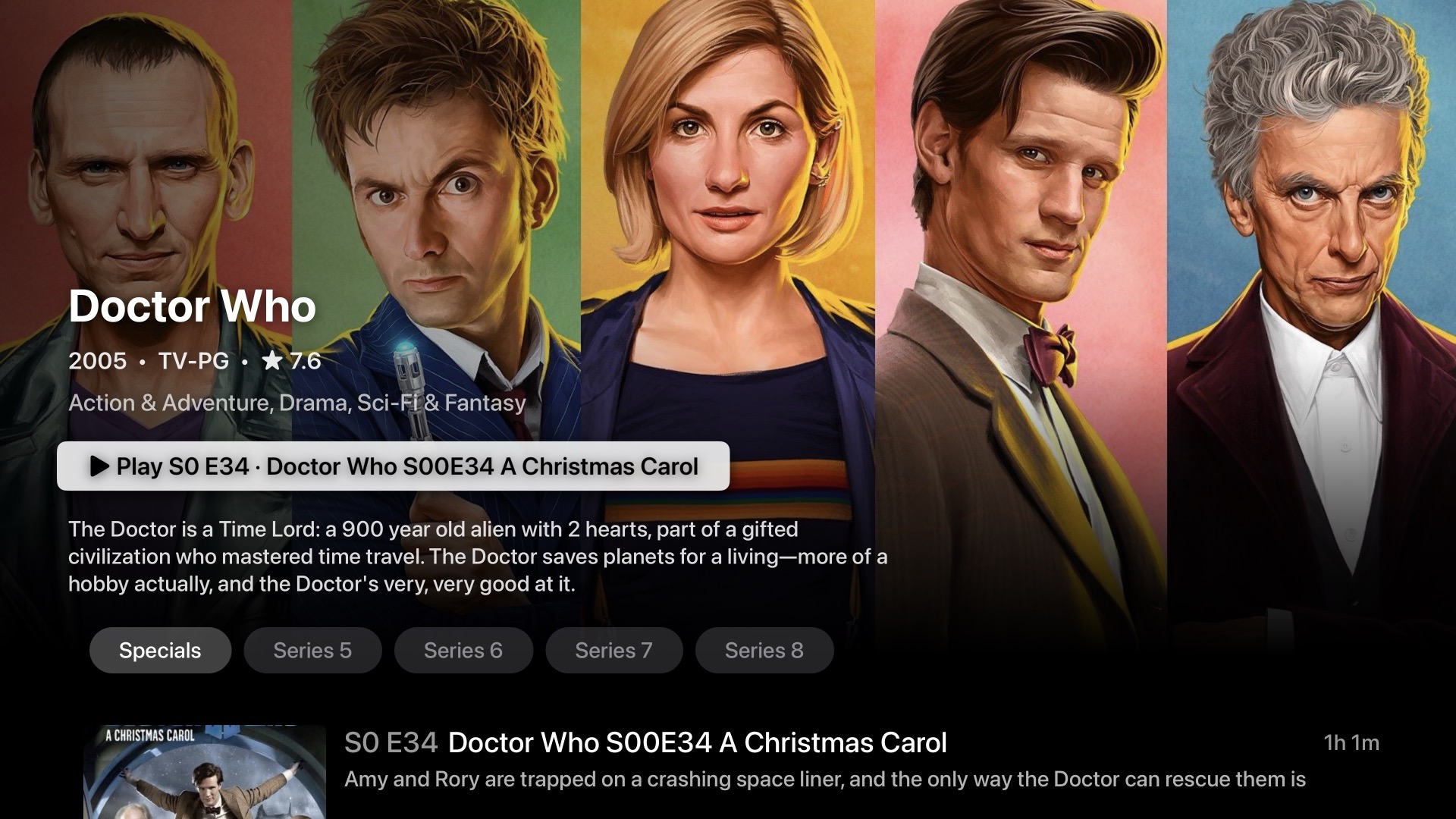
Every season.
Every episode.

Series open into a full season-and-episode browser. A compact season picker, episode thumbnails with progress bars, runtimes, and synopses — one screen, one button to play.

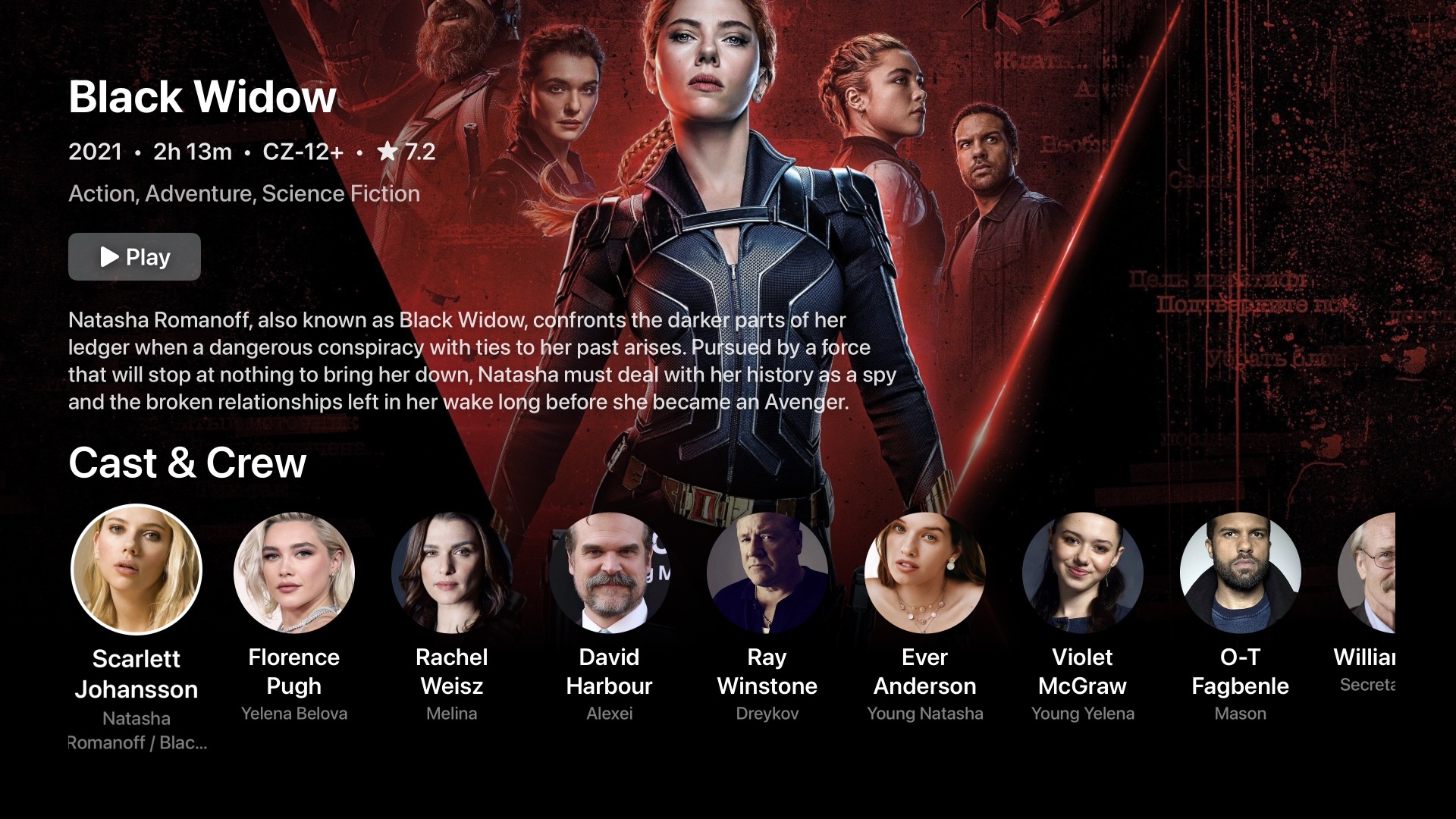
Cast & Crew,
always with you.

Circular portrait rows for actors, directors, and writers — pulled from Jellyfin's People metadata, character names and roles included.

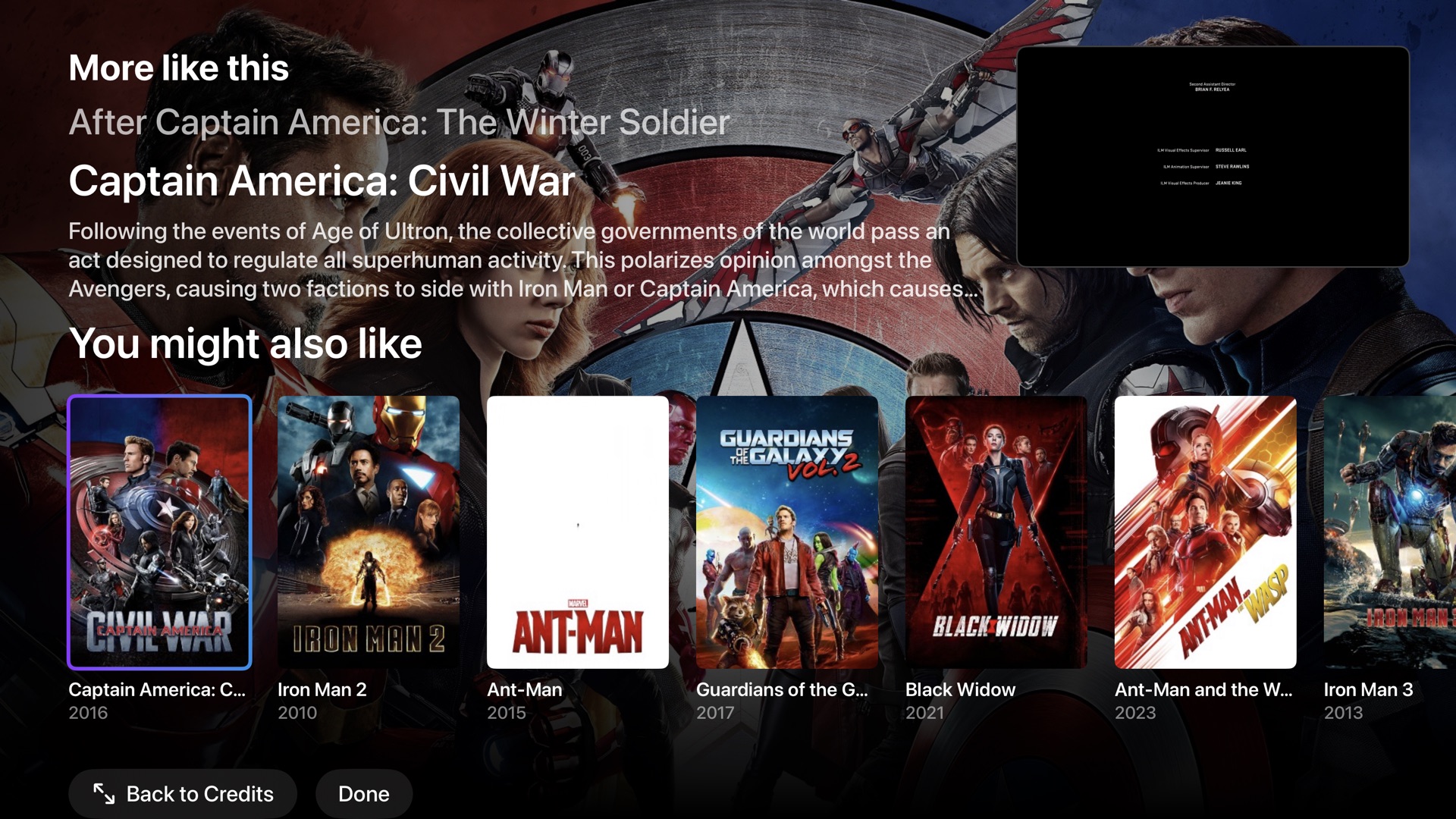
More to enjoy on Apple TV

Made for movie night.

From the opening scene to the closing credits, thoughtful details make your library feel right at home.

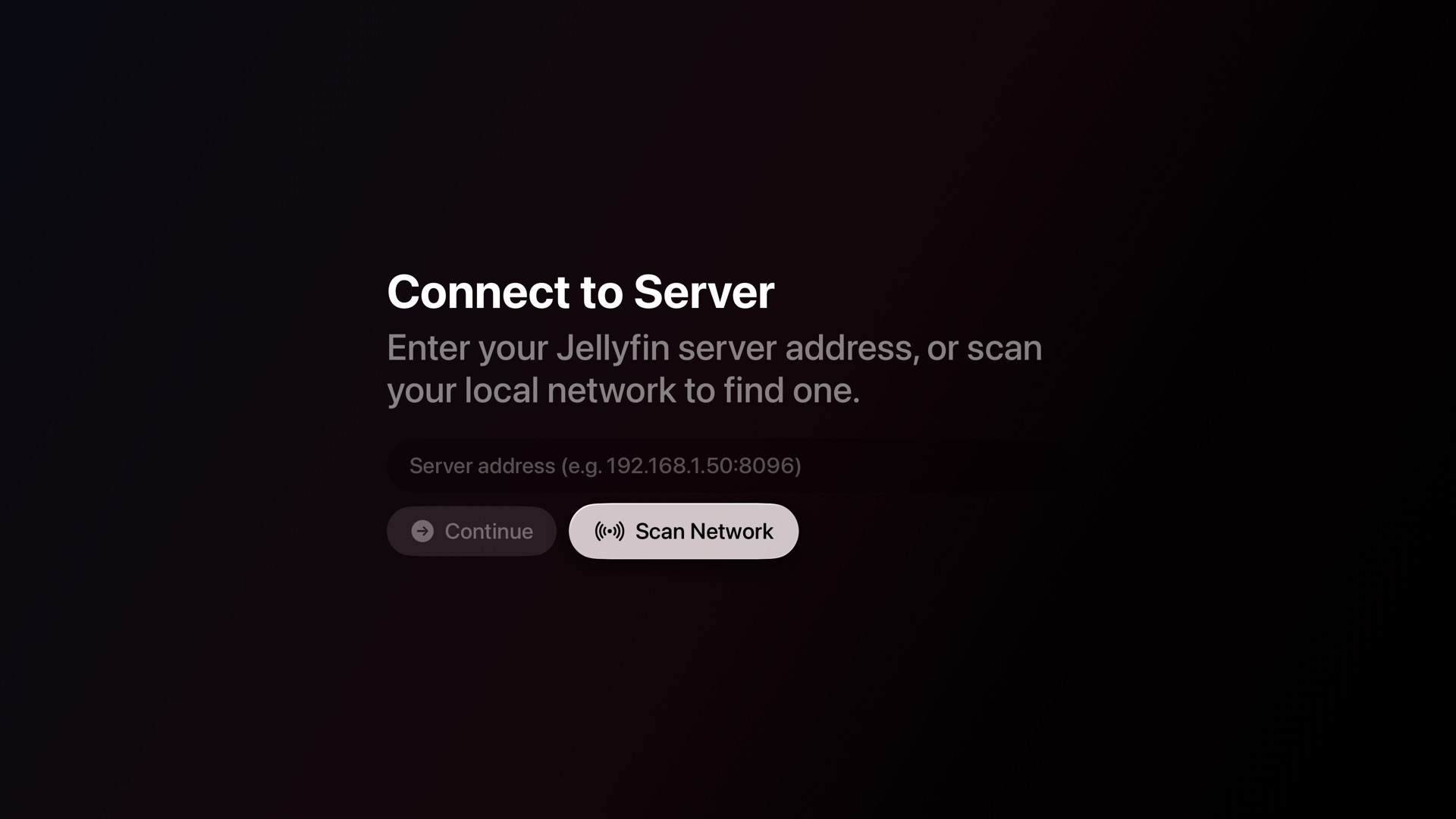
Your library stays yours. No ads, analytics, or tracking. Cinema connects directly to your own Jellyfin server.

Support After2AM Studio

Free apps. Always.

Every After2AM Studio app will always be free. Building them and keeping an Apple Developer account active still costs money, though. If After2AM Cinema or another After2AM Studio app has been useful to you, you can help keep the work going by buying me a coffee.

Buy me a coffee on Ko-fi